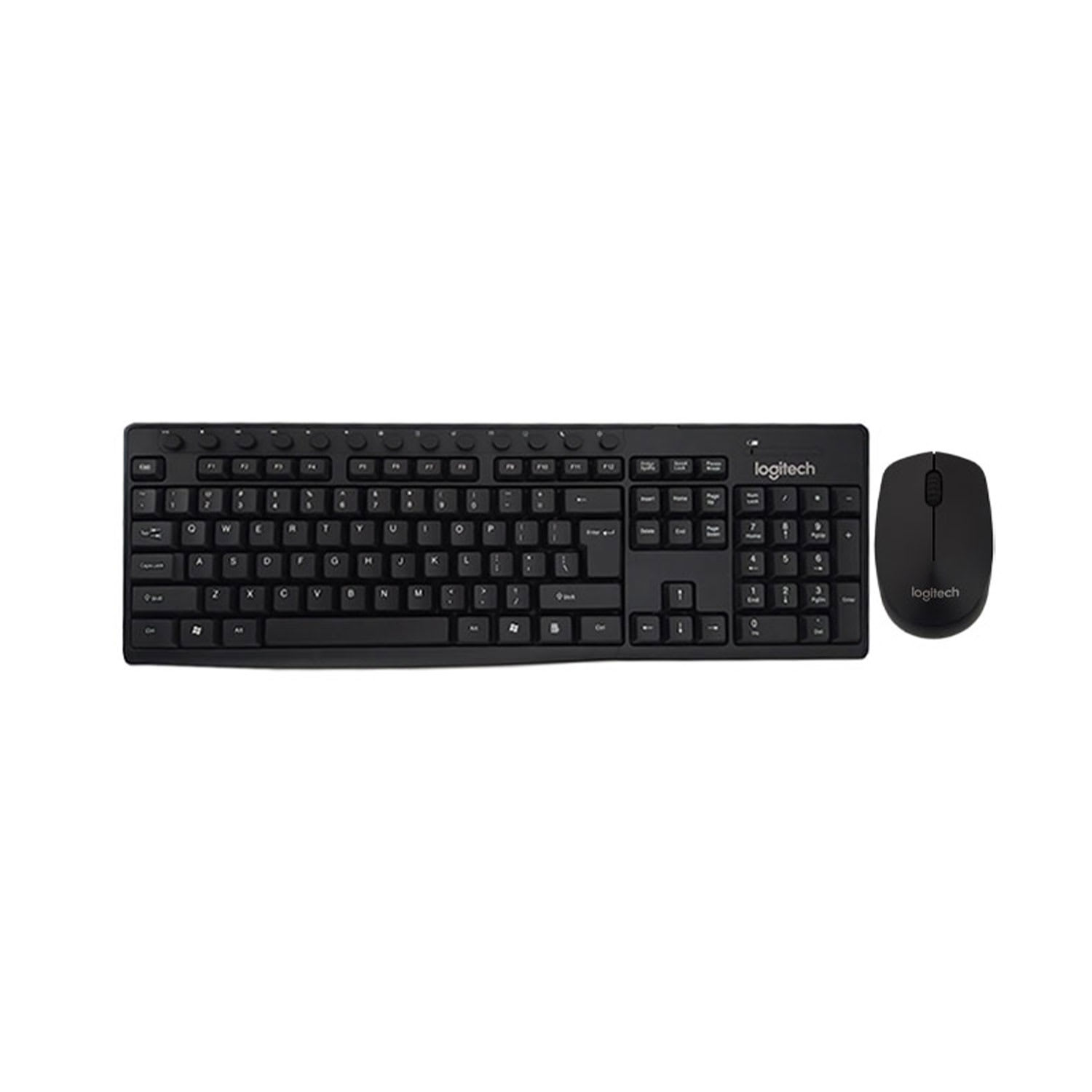

LOGITECH WIRELESS COMBO KEYBOARD MK290
Logitech Wireless Combo Keyboard MK290 - Keyboard Type Combo Keyboard & Mouse, Interface (Built-in) Wireless, Language English Yes, Color BLACK.
Order via WhatsAppDetailed Product Overview
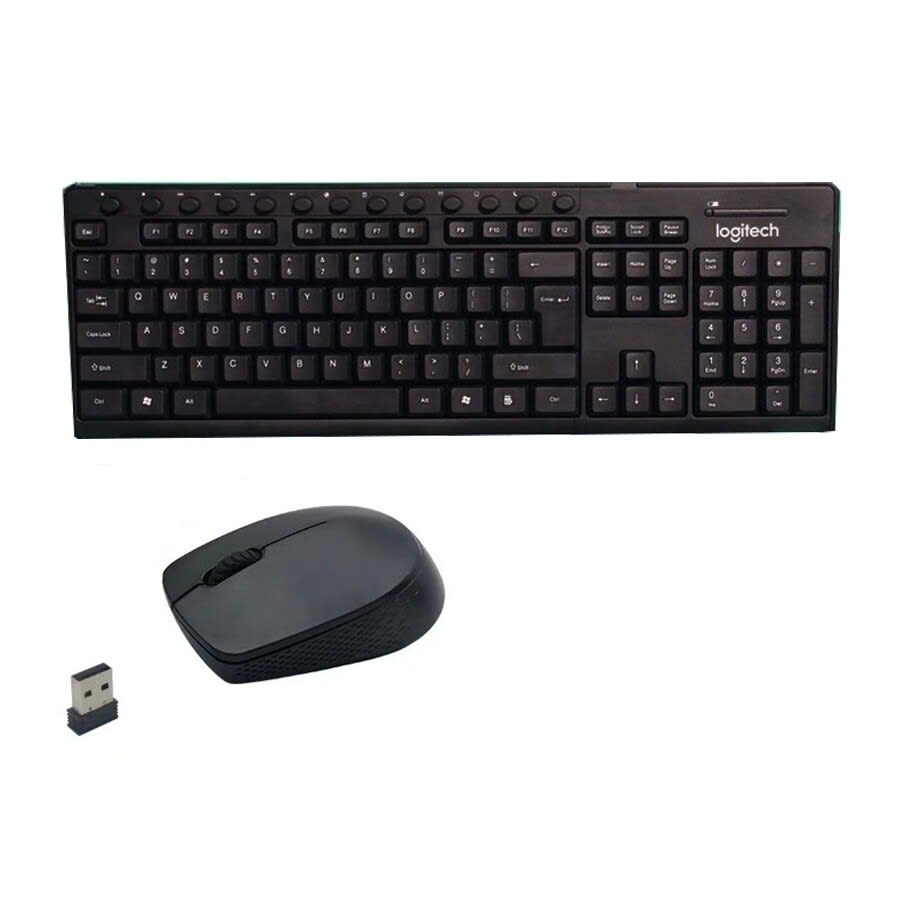
Simplify your desk and work setup with the **Logitech Wireless Combo Keyboard MK290**. This premium bundle includes a full-sized wireless keyboard and an optical tracking mouse. Operating on a robust 2.4GHz wireless signal, it eliminates cords for a neat workspace. With programmable hot keys, comfortable keys, and standard AAA battery support, it is built for everyday home, office, and educational use.
Key Features:
- Wireless Freedom: Advanced 2.4GHz wireless connection eliminates cords and delays.
- Integrated Combo Setup: Comes with a full-size membrane keyboard and an optical mouse.
- Plug & Play Usability: Instant setup with a single USB nano receiver.
- Programmable Hot Keys: Easily customize shortcut keys to launch media, email, calculator and more.
- Ergonomic & Comfortable Type: Quiet keys with a spill-resistant design.
Technical Specifications
| Brand | Logitech |
| Model | MK290 |
| Type | Combo Keyboard & Mouse |
| Connectivity | 2.4GHz Wireless (via USB Nano Receiver) |
| Language Layout | English |
| Color | Black |
| Battery Type | AAA (Not Included) |
| Mouse Sensor | High-Definition Optical Sensor |
| Special Features | Programmable Hot Keys, Plug & Play, Spill-resistant Layout |
Frequently Asked Questions
? How do I connect the Logitech MK290 combo to my PC?
The Logitech MK290 is a true plug-and-play wireless combo. Simply plug the included compact USB receiver into an available USB port on your PC or laptop, and the keyboard and mouse will connect automatically.
? What battery type does the Logitech MK290 combo use?
The keyboard and mouse operate on standard AAA batteries, providing extremely long power efficiency and months of usage before replacement is needed.